Many websites actually have only a few pages, so the question does not even arise.
But what if you have to manage a site that contains hundreds of pages, some of which are nested, including subpages? The standard WordPress page view no longer suffices, or rather, it becomes very cumbersome.
Fortunately, there is a simple and free plugin that provides a solution: CMS Tree Page View.
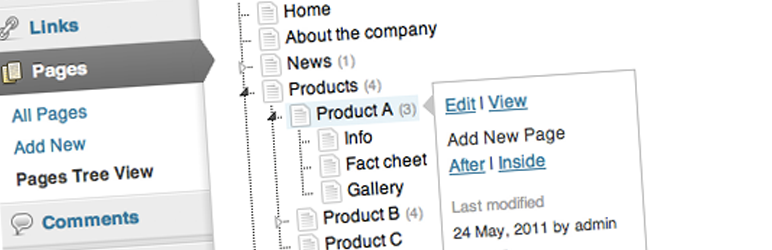
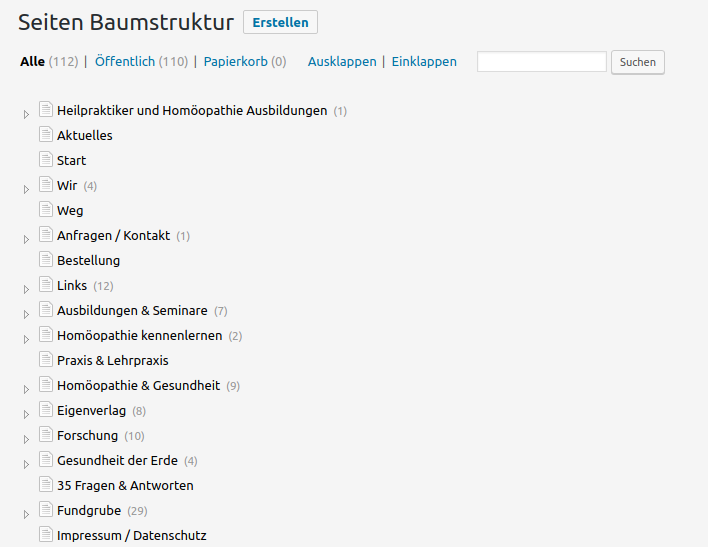
Tree Structure View with CMS Tree Page View
Once installed, the default setting is to simply structure the pages as a tree. The subpages are initially collapsed and thus take up no space. With CMS Tree Page View, hundreds of WordPress pages can be displayed on one page—depending on the hierarchical structure. Since version 2.0 (as of 2026), you can switch between list and tree views using a toggle at the top of the page overview; additionally, a dashboard widget displays the page tree immediately after login.
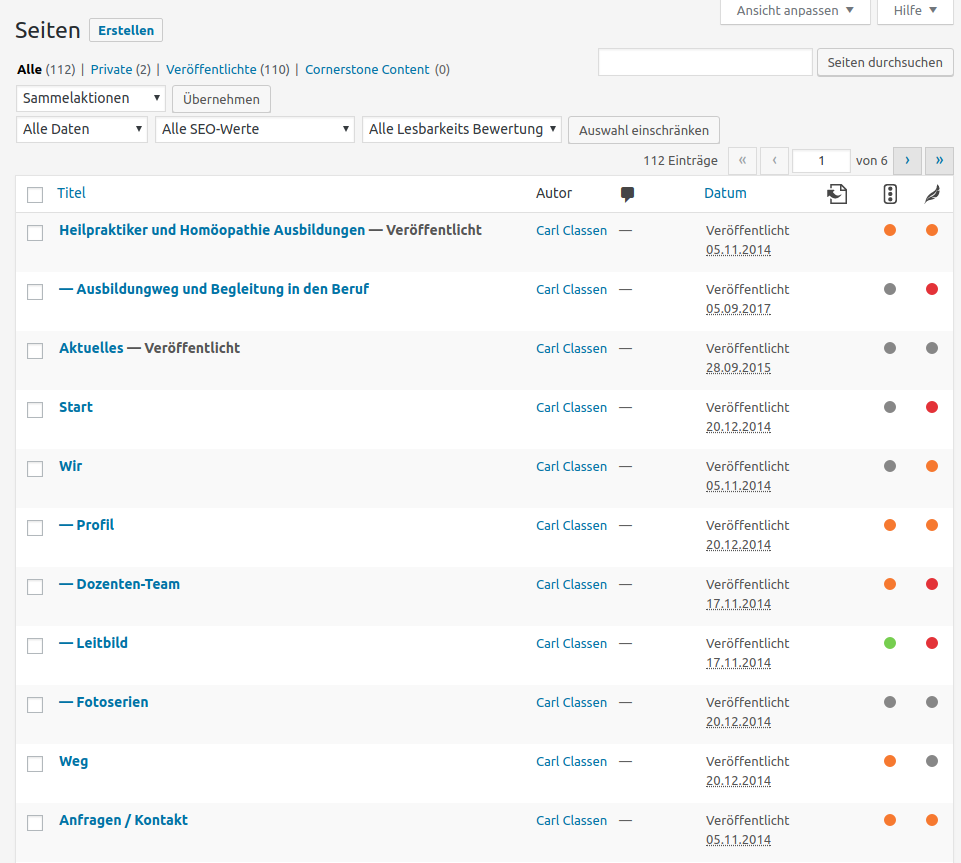
Drag & Drop, Context Menu
Pages can be moved via drag and drop. The order is automatically updated so that the new position is also applied in the standard view. When hovering over an entry, icons for editing and viewing appear. If you select an entry, the plugin displays details and actions next to it, such as adding a new page after or within—equivalent to creating a subpage—and multiple pages can be added at once if desired.
Status Labels, Search Function
Page statuses such as Draft, Private, or Password Protected are marked with color-coded labels. Additionally, a search function helps you quickly find the desired page if, for example, it is not immediately visible because it is collapsed as a subpage.
Multilingual Pages with WPML
For a long time, the plugin was compatible with WPML (a paid WordPress Multilingual plugin); the page trees were simply separated by language. As of 2026: With version 2.0 (July 2026), the developer removed the WPML integration because they can no longer test and maintain it. Those using WPML should check before updating whether the page tree is still correctly separated by language.
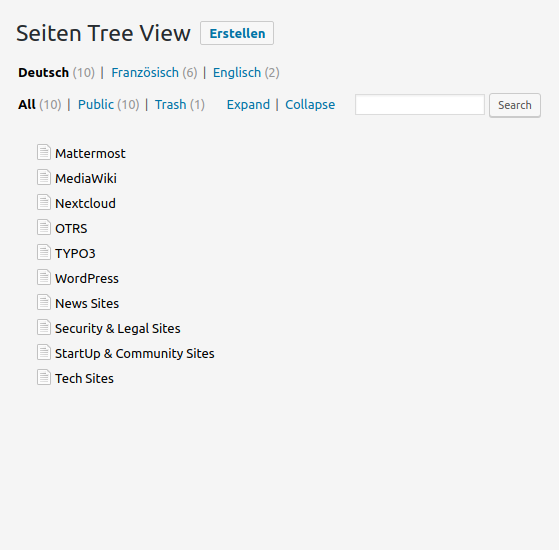
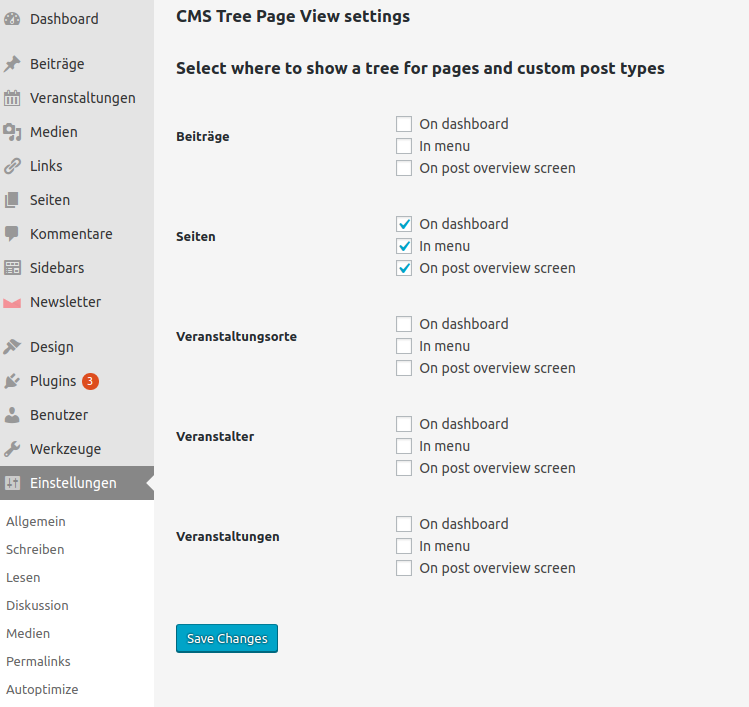
Can Also Be Configured for Other Custom Post Types
Via the Settings > CMS Tree Page View section, you can also select posts, WooCommerce products, and other custom post types, which will then also be displayed as a tree.
Do you need help with your WordPress site? We keep WordPress up to date and secure and help when things get stuck. More about WordPress Support