After the fundamental features of OpenProject, such as creating a project or assigning/changing the status of work packages, have been introduced, we will now continue with a quick overview of other functionalities.
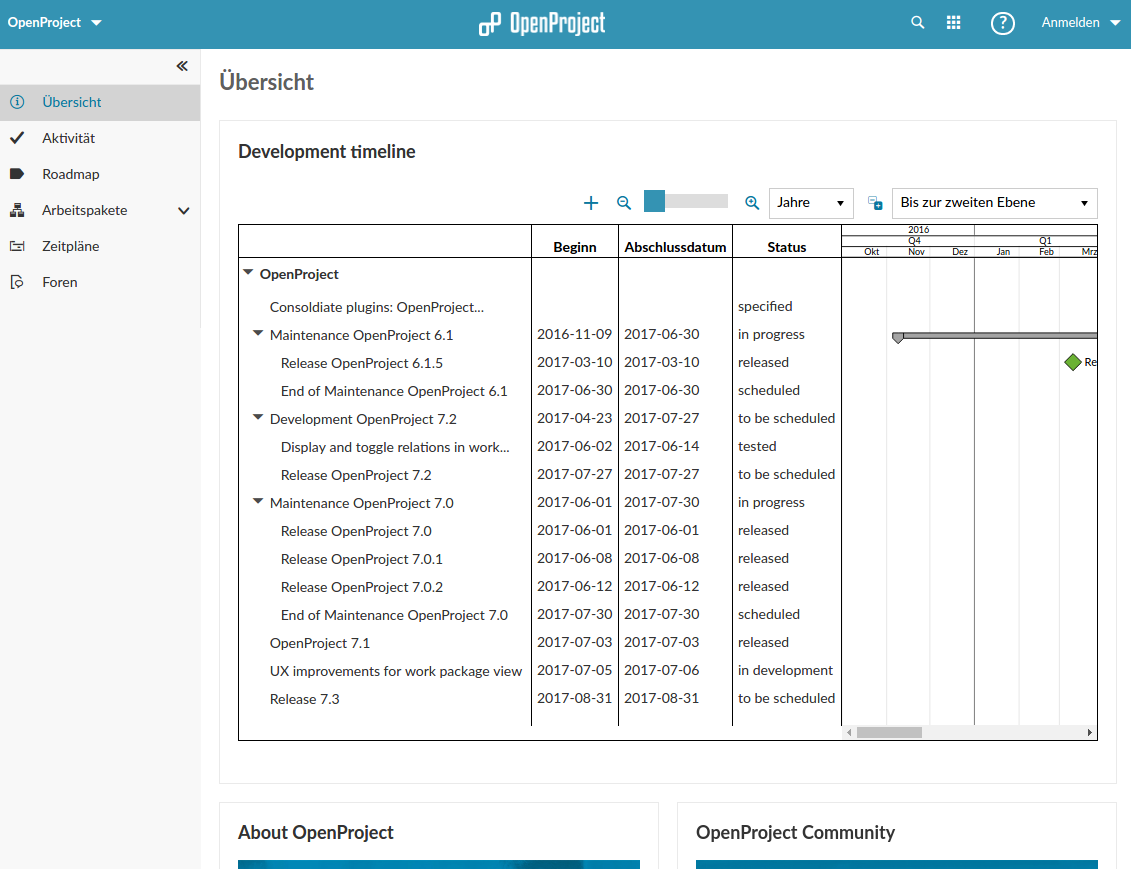
Dashboard: The Project Overview
To quickly grasp the most important key project data, the desired key figures can be individually arranged in the project overview (Dashboard). Using the gear icon in the top right, you can select which of the suggested functions will be displayed in which predefined field.
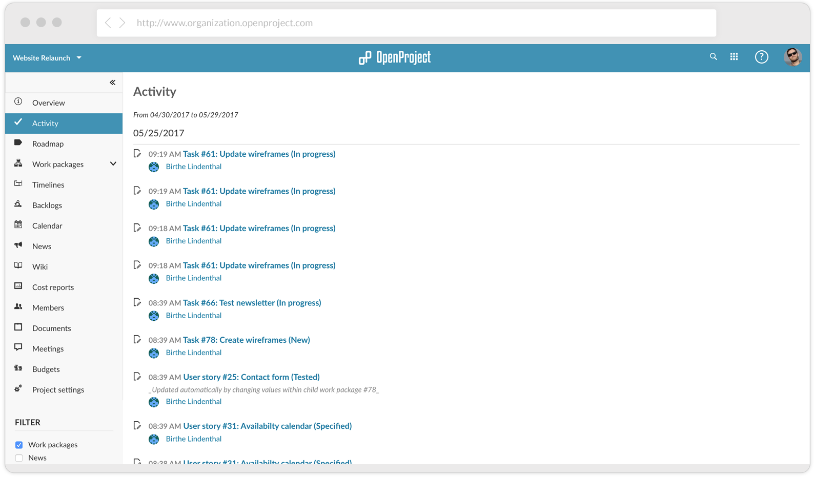
The Activity Stream
The Activity Stream visualizes the chronological sequence of activities within the project. All actions are listed here from newest to oldest. By clicking on the links, you can jump to the corresponding work packages.
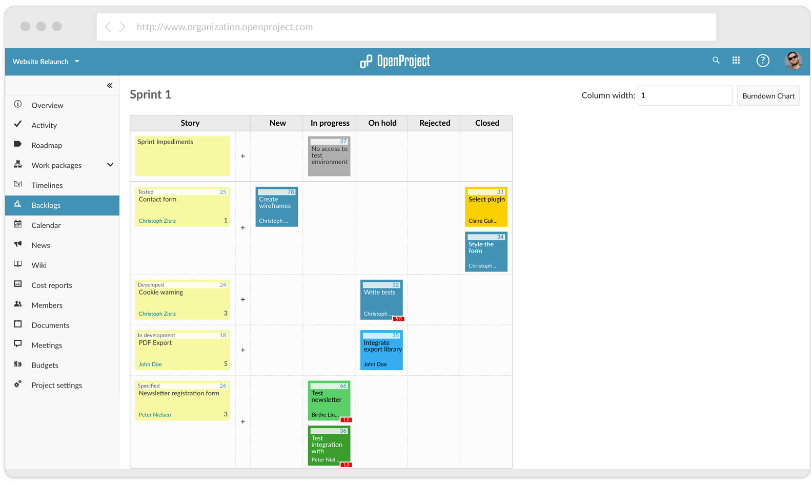
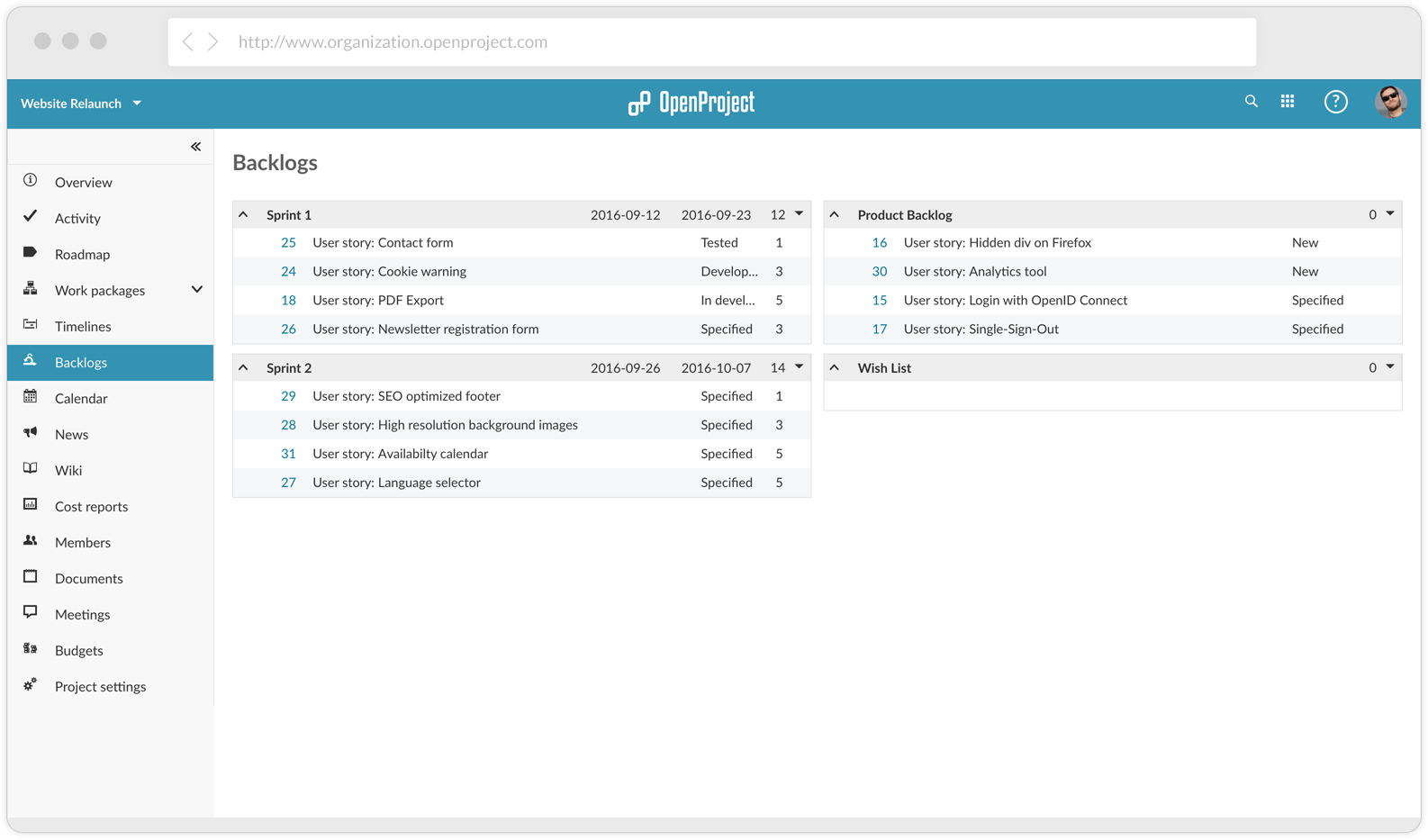
Scrum – Agile Project Management
OpenProject is ideally suited for agile project management (Scrum). Create user stories, backlogs for the various sprints, evaluate efforts in story points, and organize work in story boards.
Time Tracking, Meetings, …
Functions such as time tracking, which allows employees to track time on work packages or backlogs, enable detailed monitoring of efforts. The time spent can be summarized over individual periods, and various reports can be generated from this data.
The meeting module allows you to plan meetings and invite employees. Agendas and minutes can be created directly in OpenProject.

Success with OpenProject and SaaS Web
As a leading Swiss provider of pump and system technology, we welcome the opportunity to use software without having to maintain it ourselves. With OpenProject managed by SaaS Web, we are always up to date and can plan and execute our projects under optimal conditions.
Häny AG – Christian Vetterli, Head of Technology and Logistics, Member of the Management Board